The Pools mobile guide: browser play and app status in 2026
 Available in GB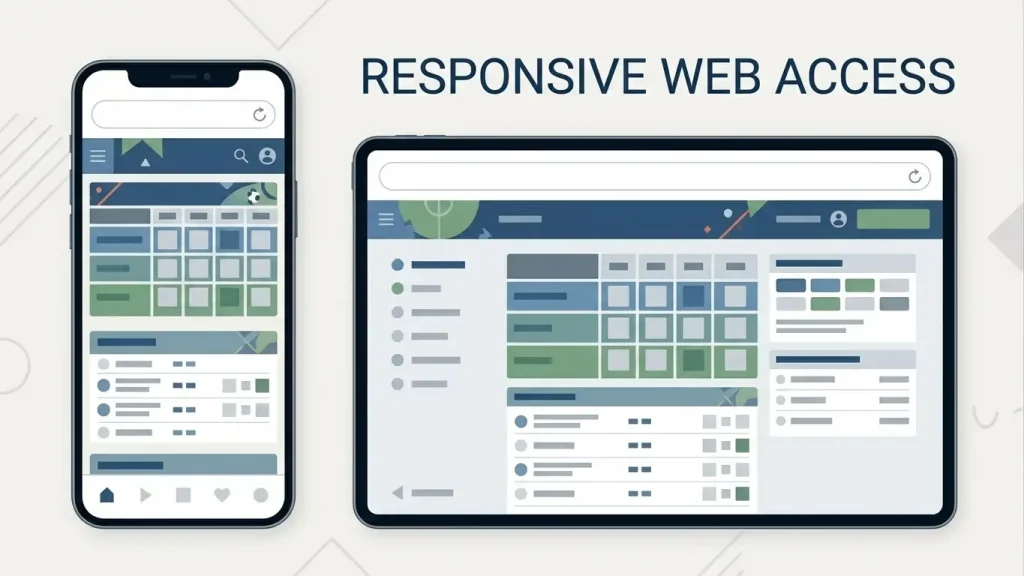
The Pools does not currently confirm a dedicated iPhone or Android app. In an August 2026 public business reply, the brand said users should access the service through its website in a browser on a phone, tablet or laptop. A check of the UK Apple App Store and Google Play on 28 September 2026 did not surface a verified official The Pools app listing.
For now, the practical mobile route is therefore browser-first: open the official site, sign in, use the current Jackpot products, review payment information and manage the account through the responsive website. App status can change quickly, so this page treats ‘no dedicated app confirmed’ as a dated 28 September 2026 finding rather than a permanent feature of the brand.
Table of Contents
- Browser access is the current mobile route
- No official native app was found in the current app-store check
- What you should be able to do in a browser-first experience
- How to add the website to your phone without pretending it is an app
- Mobile registration and sign-in
- Payments on mobile
- Financial limits should remain easy to reach on mobile
- Do not turn individual reviews into performance facts
- Practical browser checklist
- When an app claim should change this page
- Bottom line
Browser access is the current mobile route
The strongest current brand statement is direct: The Pools says it does not currently have a dedicated mobile app and that its website is accessible through browsers on phones, tablets and laptops. That is more useful than older app references because it describes the product position after the 2026 removal of Sports and Casino.
Using a browser also avoids a common source of confusion in search results. Some third-party reviews still describe a casino, sportsbook or features that no longer belong to the current service. A mobile page should not treat those historic sections as proof of what appears on a phone today.
If you want to understand what the current site actually offers before opening it on mobile, start with the The Pools games.
No official native app was found in the current app-store check
A current check of the UK Apple App Store and Google Play looked for an official The Pools listing. They did not surface a verified app belonging to the operator. Search results included unrelated pool and football-prediction apps, which is exactly why name matching alone is not enough to claim that an official application exists.
This is a freshness gate rather than proof that an app can never appear. The brand itself said in August 2026 that it hoped to introduce a dedicated app in the future. If an official listing appears later, this page should be updated instead of preserving the 28 September status indefinitely.
A trustworthy app claim should be based on a listing that clearly identifies the operator or official brand relationship, not simply an icon or title containing the word ‘Pools’.
What you should be able to do in a browser-first experience
The browser is the access layer, but the important question is which tasks belong there. Current brand guidance supports using the website to access the account and services across devices. In practical terms, a mobile session should centre on signing in, reaching the current Jackpot games, reviewing an entry, completing the offered payment journey and checking account information.
This page does not claim that every desktop control is laid out identically on every phone, and it does not assign performance scores to the mobile site. Those would require structured device testing. The useful verified point is access method: browser rather than a confirmed dedicated app.
Registration detail belongs in the The Pools account guide, while current funding context belongs on the The Pools payment methods. Keeping those topics separate avoids turning a mobile guide into a duplicate of the rest of the site.
How to add the website to your phone without pretending it is an app
Modern mobile browsers can save a website shortcut to the home screen. That can make browser access feel closer to launching an app, but it does not transform the site into a native application and should not be described as one. The shortcut still opens the web experience and remains dependent on the browser and live website.
If you create a shortcut, verify the address before saving it so that you are returning to the official site rather than a lookalike page. Avoid downloading APK files, configuration profiles or unofficial packages that claim to be The Pools unless the operator itself provides and authenticates them.
The same caution applies to search ads and third-party download directories. A browser-first service creates no need to install software merely to reach the current games.
Mobile registration and sign-in
If you are new to The Pools, registration can be started through the website. The current account model supports the Jackpot products, and brand guidance says users can register and then choose between subscription and pay-to-play entry routes. Exact form fields should be taken from the live page because onboarding can change.
On a small screen, give extra attention to autofill. Check that your browser has not inserted an old address, email or saved payment credential into the wrong field. Account consistency matters later if recovery or verification is required.
Use a password manager or another secure method to create unique sign-in credentials. This guide does not claim that The Pools supports any particular biometric login feature; a phone may provide biometric unlocking through its operating system or password manager, but that is not the same as an operator-specific app function.
Payments on mobile
A mobile browser can take you into the same decision point as desktop: whether to authorise a current entry and by which payment route. The exact current list of supported methods is intentionally left to the live checkout. What is clear under Great Britain rules is that gambling businesses cannot accept credit-card payments for gambling, including via e-wallets that permit credit-card-funded gambling.
Before tapping the final payment control, read the amount shown, confirm whether the entry is one-off or subscription-based and make sure you understand any recurring commitment. Small screens can make it easier to focus on the primary button while overlooking surrounding explanatory text.
Current brand guidance says Jackpot winnings are returned to the payment method used to enter. That makes the payment choice relevant after the game as well as before it. For edge cases such as expired cards or legacy balances, see The Pools payouts and withdrawals.
Financial limits should remain easy to reach on mobile
UK remote-gambling technical standards require financial-limit facilities to be easily accessible from registration and require customers to be prompted to consider a limit during registration or at the first deposit or payment. Those rules apply to the gambling system, not only to desktop layout.
From 30 September 2026, revised rules also clarify the meaning and presentation of deposit limits. If the mobile interface offers more than one type of financial limit, read the label and definition rather than assuming every tool measures the same thing.
A browser-first design should not make budgeting tools secondary simply because the screen is smaller. If a control is hard to find, use the account menu or current safer-gambling help rather than abandoning the limit you intended to set.
Do not turn individual reviews into performance facts
The public review that prompted The Pools’ August 2026 app clarification criticised the website and referred to an app. The operator replied that no dedicated app currently exists. The factual value of that exchange is the brand clarification, not the reviewer’s subjective performance judgement.
One person’s experience cannot establish that the site is fast, slow, reliable or unreliable across iPhones, Android phones, tablets, networks and browsers. This page therefore avoids claims such as ‘loads instantly’, ‘works perfectly’ or ‘is unusable’. Those would need repeatable testing rather than isolated anecdotes.
If you experience a problem, note the device, browser version, connection type and exact step that failed. That gives support something concrete to investigate and is more useful than treating a single rating as a technical benchmark.
Practical browser checklist
- Use the official The Pools web address and save it as a bookmark if you return regularly.
- Do not install an app merely because its name contains ‘Pools’; verify the publisher and official brand relationship first.
- Keep your browser and operating system updated for security and compatibility.
- Check autofilled personal and payment details before submitting forms on a small screen.
- Review the live price and whether an entry is subscription or pay-to-play before authorising payment.
- Set or review financial limits through the account tools rather than relying on memory alone.
- Avoid public or shared devices for account access, especially when payment or identity information is involved.
- If something fails, record the device, browser and step before contacting support.
When an app claim should change this page
An official app release would be a meaningful change because it would create a second access route alongside the website. If that happens, the page should verify the listing directly in the relevant app store, identify the publisher, check the current supported devices and compare which account functions are available in the app versus the browser.
Until that evidence exists, the correct description is narrower: no dedicated official app is currently confirmed, while browser access is explicitly supported by the brand. That statement is dated and deliberately avoids predicting when or whether an app will launch.
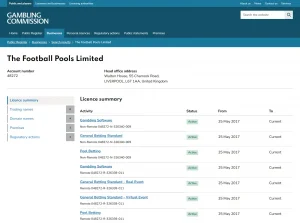
For broader operator checks beyond mobile access, use the The Pools licence and trust. For the wider product picture, return to the The Pools UK review.
Bottom line
As of 28 September 2026, The Pools is a browser-first mobile service. The brand has publicly said that it does not currently have a dedicated mobile app and that users can access the website from phones, tablets and laptops. The current check did not identify a verified official listing in the UK Apple App Store or Google Play.
Use the website for account access and the current Jackpot products, keep payment and registration decisions inside the live authenticated flow, and treat any future app claim as something to verify directly rather than assume. Browser access is confirmed; a native iOS or Android app is not.
Recommend
The Pools licence and trust: UKGC status, operator and 2026 action
The Pools UK Guide The Pools is operated by The Football Pools Limited. The Gambling...
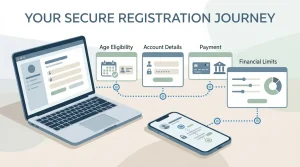
The Pools account guide: registration, verification and safer limits
The Pools UK Guide The current account journey combines registration, payment access and user-set spending...
The Pools games in 2026: Classic Pools, Goal Rush and Lucky Clover
The Pools UK Guide The current The Pools game line-up is much simpler than many...
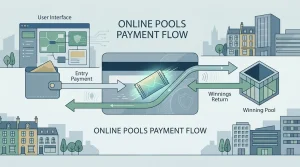
The Pools payments in the UK: deposits, entry payments and payout routes
The Pools UK Guide The Pools' current 2026 product is centred on Jackpot games rather...